Set the drawing scale when uploading a drawing
In brief: When you upload a drawing, you set the drawing scale. The scale controls how far the view is zoomed in at placed markers and therefore how the drawing section appears in a record. A drawing quality option has not existed since uploads moved to the background.
Good to know: BauMaster displays drawings through a preview image file, on which markers and sketches are possible. The original PDF is never modified and remains available for download at any time.
How the upload works
- You add the drawing in the app.
- The app uploads the drawing to the server in the background, where it is converted for use in BauMaster.
- Once the drawing is ready, you receive an email notification.
Drawing scale: effect on records
The scale stored in drawing management determines how far a placed drawing marker is zoomed in within a record.
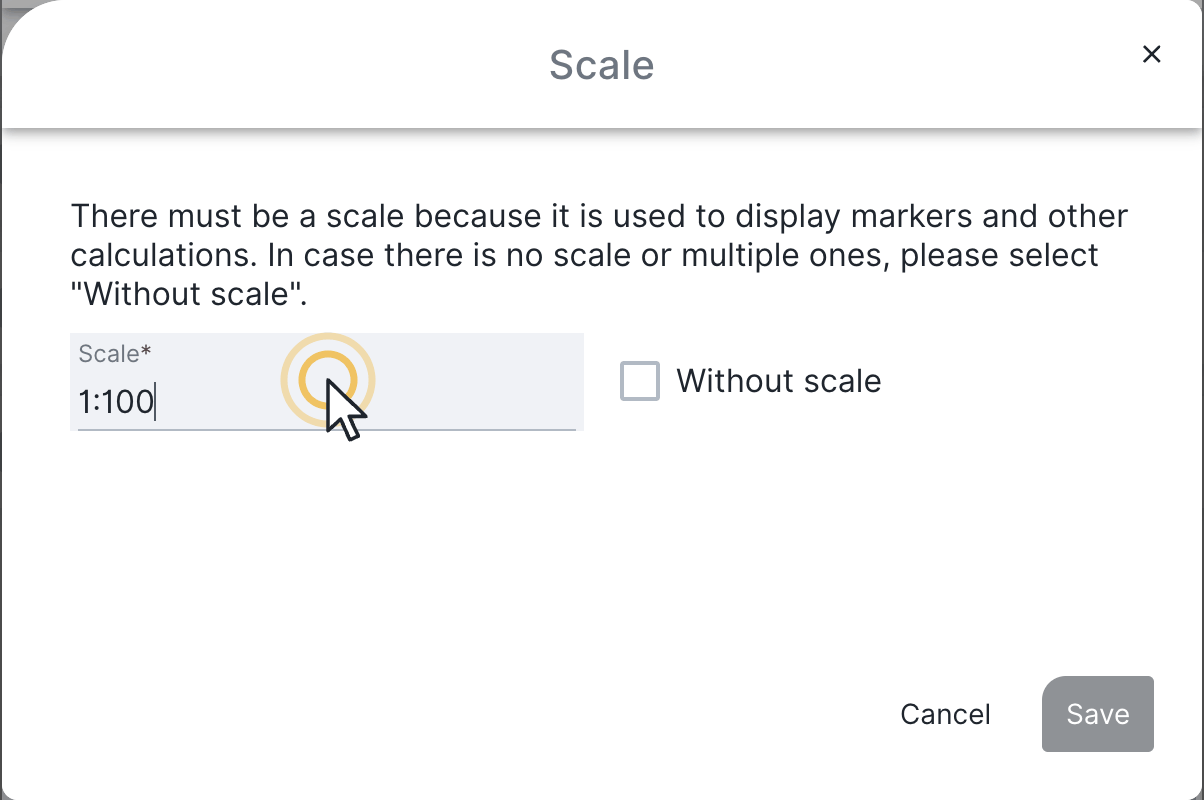
- If no value is entered, BauMaster assumes 1:50 and scales the drawing section accordingly.
- If the drawing is drawn at a different scale, unfavourable scaling can occur and make the section in the record unreadable.
Make sure you enter the correct scale in drawing management — otherwise drawing sections in records can become unreadable.
FAQ
Is my original PDF changed during upload?
No. BauMaster only creates a preview image file. The original PDF remains unchanged and is available for download at any time.
What happens if I enter no scale?
BauMaster calculates with 1:50. If the actual scale differs from that, the section zoom in the record can become unreadable.
Is there a maximum drawing or file size for upload?
No. You can upload files of any size.
Keywords: drawing scale upload